pandas String Methods for Cleaning Text Columns
The pandas .str methods that clean text columns: strip, replace, normalize, casefold, extract, split and zfill, plus pandas 3.0 string gotchas.
By Tnas · Published · 9 min read
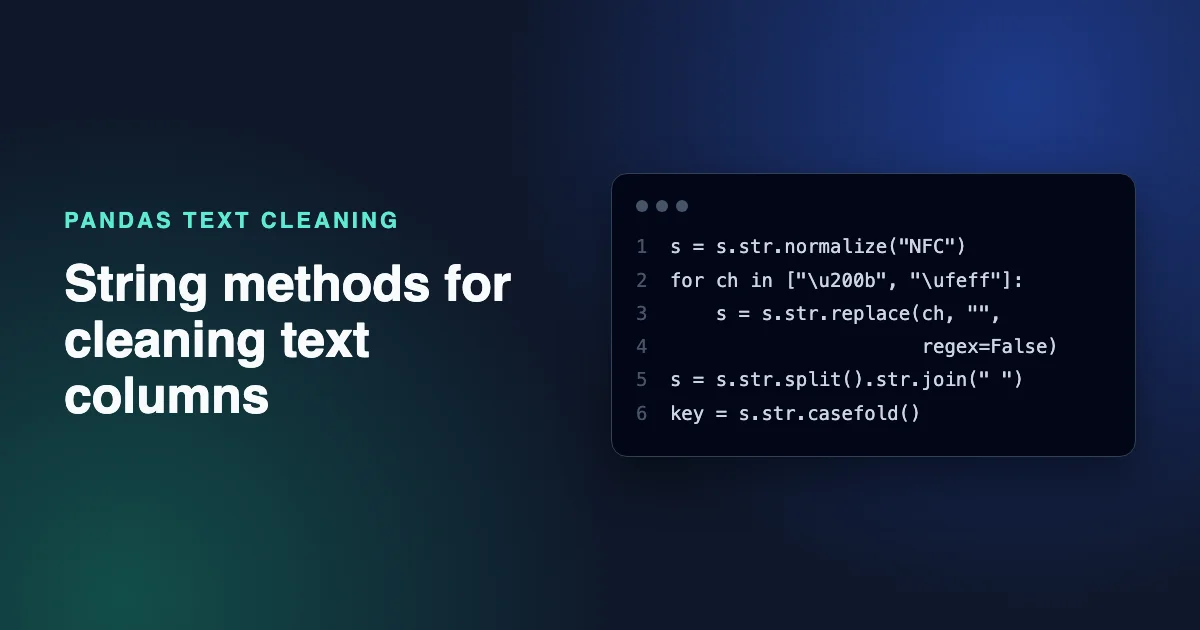
pandas cleans text columns through the .str accessor, which applies a string method to every value in a Series and skips missing values. The methods you need for most cleaning jobs are strip for padding, replace for unwanted characters and repeated spaces, normalize for Unicode accents, lower or casefold for comparison keys, extract for pulling structured parts out of free text, split for separating fields and zfill for fixed-width codes. Each one changes data, so the useful skill is knowing which changes are safe and checking that they did what you meant.
This guide walks through those methods on realistic messy values. Every snippet was run on pandas 3.0.2 with pyarrow 22.0.0, and the outputs are copied from those runs.
Key Takeaways
- In pandas 3.0, text columns get a dedicated
strdtype by default, backed by PyArrow when it is installed.str.strip()andstr.split()understand Unicode spaces such as the non-breaking space, but a regex\son a PyArrow-backed column matches only ASCII whitespace.s.str.split().str.join(" ")collapses spaces without depending on the regex engine.- Zero-width characters are not whitespace, so neither
stripnorsplitremoves them. Remove the zero-width space, word joiner and byte-order mark by name, and leave zero-width joiners alone unless you know they are noise.- Build lowercased or normalized versions as separate key columns. Use
str.title()for display only if you accept that it changes names like McDonald.
How the .str accessor works in pandas 3.0
Series.str exposes vectorized versions of Python's string methods plus regex tools (pandas text data user guide). Starting with pandas 3.0, text is inferred as a dedicated string dtype, backed by PyArrow if it is installed and by NumPy object arrays otherwise (pandas 3.0 release notes).
import pandas as pd

names = pd.Series(["  Ana  Lopez", "ben\u00a0smith ", "Zoë\u200b Müller",
                   "MCDONALD, Ian", None, "Jose\u0301 Diaz"])
print(names.dtype)
print(names.str.len().tolist())
str
[12.0, 10.0, 11.0, 13.0, nan, 10.0]
A few things to notice. Missing values stay missing through .str methods. str.len() is a quick way to spot values whose length doesn't match what you see on screen. And the sample hides several problems: double spaces, a non-breaking space (\u00a0), a zero-width space (\u200b) and an accent written as two code points. Calling .str on a non-text column fails, which is useful: pd.Series([1, 2]).str.strip() raises AttributeError: Can only use .str accessor with string values, not integer.
Trim padding with str.strip
str.strip() removes leading and trailing whitespace, including Unicode spaces such as the non-breaking space and the em space:
s = pd.Series(["\u00a0ben\u00a0", "\u2003x\u3000", None])
print(s.str.strip().tolist())
['ben', 'x', nan]
Use lstrip or rstrip for one side, or pass characters to strip, as in str.strip("*"). Trimming the ends is almost always safe. Changing the middle of a value is a separate decision. The lesson Trim the right characters, and only those explains where the line is.
Collapse inner spaces, and watch the regex engine
The usual way to collapse runs of spaces is str.replace with a regex. On a PyArrow-backed column, check what \s actually matches:
s = pd.Series(["ben\u00a0smith", None])
print(s.str.replace(r"\s+", " ", regex=True).tolist())
print(s.str.split().str.join(" ").tolist())
['ben\xa0smith', nan]
['ben smith', nan]
The first pattern left the non-breaking space in place. The same pattern on an object-dtype copy (s.astype(object)) did replace it, because Python's re module treats \u00a0 as whitespace. For PyArrow-backed strings, pandas hands many regex operations, such as replace and contains, to PyArrow, which uses the RE2 library. In RE2, \s matches only ASCII whitespace (RE2 syntax reference). Unsupported features fail loudly too: an inline flag such as (?u) raised ArrowInvalid: Invalid regular expression in our test.
The second line avoids the regex engine entirely. str.split() with no argument splits on any Unicode whitespace, including the non-breaking space, the narrow no-break space and the ideographic space, and str.join(" ") puts the pieces back with single spaces. It also trims the ends, and it turns tabs and line breaks into single spaces, so don't use it on fields where line breaks matter, such as multi-line addresses or notes. We got the same result on PyArrow-backed and object-dtype columns. A value that was only spaces comes back as an empty string, which the cleaning order below turns into a missing value.
Two smaller rules for replace:
- Pass
regex=Falsewhen you mean a literal string.str.replace(".", "-", regex=True)turns every character into a dash, because.matches anything. - Don't strip "everything that isn't a digit" from amounts without checking first.
str.replace(r"[^\d.]", "", regex=True)turnsPrice: $1,200.50into1200.50, but it would also turn-15into15and lose the sign.
Remove zero-width and invisible characters explicitly
Zero-width spaces, word joiners and byte-order marks are invisible and are not whitespace, so neither strip nor split removes them. Find them first, then remove them by name:
s = names.str.strip()
print(s.str.contains("\u200b").tolist())

for ch in ["\u200b", "\u2060", "\ufeff"]:
    s = s.str.replace(ch, "", regex=False)
s = s.str.split().str.join(" ")
print(s.tolist())
[False, False, True, False, False, False]
['Ana Lopez', 'ben smith', 'Zoë Müller', 'MCDONALD, Ian', nan, 'José Diaz']
Notice that contains returned False, not missing, for the None row. With the pandas 3.0 string dtype, our runs returned False for missing values in str.contains, while the same call on an object-dtype column returned NaN. If you filter with the result, be clear about which behavior you are relying on.
Don't add the zero-width joiner (\u200d) or non-joiner (\u200c) to the removal list by default. They carry meaning in emoji sequences and in scripts such as Persian and Hindi, so removing them can change the text. The guide Whitespace and invisible characters lists the characters worth checking for, and the exercise Invisible spaces break validation practices finding them.
Normalize Unicode with str.normalize
The same visible letter can be stored in more than one way. é can be one code point, or e followed by a combining accent. They look identical but don't compare equal, which breaks joins and duplicate checks. str.normalize("NFC") converts both to the composed form (Series.str.normalize documentation):
print(s.str.len().tolist())
print(s.str.normalize("NFC").str.len().tolist())
[9.0, 9.0, 10.0, 13.0, nan, 10.0]
[9.0, 9.0, 10.0, 13.0, nan, 9.0]
José Diaz went from 10 code points to 9 without any visible change. NFC keeps the accent. Don't strip accents to "simplify" names: Müller and Muller can be different people. See Cleaning names without damaging them and the free exercise Normalize names without changing letters.
Change case for keys, not for display
str.lower() and str.casefold() make comparison keys. casefold is more aggressive and handles cases such as the German ß:
s2 = pd.Series(["Straße", "STRASSE"])
print(s2.str.lower().tolist(), s2.str.casefold().tolist())
['straße', 'strasse'] ['strasse', 'strasse']
Only the casefolded pair matches. Store the result in a new column, such as name_key, and keep the original for display. str.title() is tempting for display, but it rewrites names it doesn't understand:
print(pd.Series(["mcdonald", "o'neil", "van der berg", "DE LA CRUZ"])
      .str.title().tolist())
['Mcdonald', "O'Neil", 'Van Der Berg', 'De La Cruz']
McDonald and van der Berg are now wrong. Whether case is part of the data is a policy question. The lesson Case is a policy decision covers it.
Pull structure out of text with str.extract
str.extract applies a regex with capture groups and returns one column per group. Values that don't match become missing, which makes the failures easy to count:
codes = pd.Series(["INV-2026-0042", "inv 2026 17", "INV-2025-0003", "unknown", None])
print(codes.str.extract(r"(?i)inv[-\s](\d{4})[-\s](\d+)"))
      0     1
0  2026  0042
1  2026    17
2  2025  0003
3   NaN   NaN
4   NaN   NaN
Keep the extracted parts as text if they're identifiers, so 0042 keeps its zeros. Report the rows that came back missing rather than dropping them: unknown is a value someone typed, and it needs a decision. The Series.str.extract documentation covers named groups, which give the output columns readable names.
Split fields with str.split
str.split(..., expand=True) turns one column into several. Limit the number of splits with n, and expect rows that don't have the separator:
full = pd.Series(["Lopez, Ana", "Smith, Ben", "Cher"])
print(full.str.split(", ", n=1, expand=True))
       0    1
0  Lopez  Ana
1  Smith  Ben
2   Cher  NaN
Cher has no comma, so the second column is missing for that row, which is the honest result. Don't assume the first part is always a surname. Splitting names is a guess about structure, so keep the original column.
Pad and validate codes with str.zfill and str.fullmatch
Fixed-width codes such as US ZIP codes lose their leading zeros when a spreadsheet treats them as numbers. str.zfill pads them back, and str.fullmatch checks the result:
zips = pd.Series(["501", "02134", "9021"])
print(zips.str.fullmatch(r"\d{5}").tolist())
print(zips.str.zfill(5).tolist())
[False, True, False]
['00501', '02134', '09021']
Padding is only correct if the code really has a fixed width and the zeros were lost in transit. If you're not sure, flag values that fail fullmatch instead of padding them. Reading the file with dtype=str in the first place avoids the problem. See Identifiers, leading zeros and long ids.
A text-cleaning order that holds up
Apply the methods in this order, so each step works on the output of the one before:
| Step | Method | Why at this point |
|---|---|---|
| 1. Normalize | str.normalize("NFC") |
Later comparisons see one form per character |
| 2. Remove invisibles | str.replace(ch, "", regex=False) for U+200B, U+2060 and U+FEFF |
They block trimming and matching |
| 3. Trim and collapse | str.split().str.join(" ") |
Removes padding and turns inner runs of any Unicode space into one space |
| 4. Blank to missing | s.mask(s == "") |
Empty text after trimming means missing |
| 5. Build keys | str.casefold() into a new column |
Matching without changing display values |
| 6. Validate | str.fullmatch(...) or str.extract(...) |
Failures go to an exceptions report |
After each step, compare str.len() or a value count with the previous version so you can see what changed. The trim reference shows the same step with pandas, SQL and visual tabs.
Frequently asked questions
How do I remove whitespace from a pandas column?
Use df["col"] = df["col"].str.strip() to remove leading and trailing whitespace, including Unicode spaces. To also collapse repeated inner spaces of any kind, use df["col"].str.split().str.join(" "), which trims the ends at the same time. Zero-width characters need a separate str.replace because they aren't whitespace.
What is the difference between str.lower and str.casefold?
Both lowercase text, but casefold() also applies Unicode case-folding rules for caseless matching, so "Straße" becomes "strasse" and matches "STRASSE". Use casefold() for matching keys and keep the original column for display.
Why does str.contains return False for missing values?
In pandas 3.0 the default string dtype returned False for missing values in our tests, while object-dtype columns return NaN. Pass na=False or na=True explicitly when you use the result as a filter, so the behavior doesn't depend on the dtype.
Should I use apply or the .str accessor for text cleaning?
Prefer .str methods. They handle missing values for you, and on the PyArrow-backed string dtype many of them run as vectorized operations. Use apply with a Python function only for logic the .str methods can't express, and test it on missing values.
Related reading
- Regular Expressions for Data Cleaning in SQL: A Practical Guide
- How to Clean Free-Text Survey Responses
- Cleaning Categorical Data: Typos, Synonyms and Rare Categories
Sources
- pandas development team, Working with text data (user guide), retrieved 2026-11-05.
- pandas development team, What's new in 3.0.0, retrieved 2026-11-05.
- pandas development team,
Series.str.normalizeAPI reference, retrieved 2026-11-05. - pandas development team,
Series.str.extractAPI reference, retrieved 2026-11-05. - Google, RE2 syntax reference, retrieved 2026-11-05.